You can now configure specific build steps to automatically rerun the failed tests . This helps prevent flaky tests from blocking your pull requests and gives you clear insight into which tests are unstable.
 The problem with flaky tests
- flaky tests block PRs even when the code is fine. A single transient failure forces you to dig through logs, hit rerun, and wait, slowing merges and masking real regressions.
- With targeted reruns, transient failures are retried automatically. If they pass on retry, the build can go green, and the test is marked flaky, so you can fix or quarantine it later.
 What’s new
The following steps allow automatic reruns for failed tests:
- Xcode Test for iOS
- Xcode Test without building
- iOS Device Testing
- Android unit test (via Gradle plugin)
- Virtual Device Testing for Android
This feature introduces new inputs to our testing steps, allowing you to specify the number of retry attempts for failed tests.
When a test fails during a run, the step will automatically retry that specific test up to the maximum configured. If the test passes on a subsequent attempt, it is marked as “flaky” in the new test report; however, the step itself will still succeed, allowing your build and PR check to turn green. This allows you to merge your changes without being blocked, while still providing the data you need to identify and fix unstable tests later.
For example, a UI test might occasionally fail because a network request times out or an animation hasn’t completed. Instead of failing the entire build, you can now configure it to retry failed tests up to 3 times. If it passes on the second try, your PR is unblocked, and you can see in the test report that this specific test was flaky.
 How to set it up
Configuration is done via inputs in the specific workflow step.
For xcode-test-for-ios and xcode-test-without-building steps:
Set the following inputs in your step configuration:
test_repetition_mode: Defines the repetition mode. For example,retry_on_failurewill only rerun the tests that failed.maximum_test_repetitions: The maximum number of times to repeat a test.relaunch_tests_for_each_repetition: Controls whether the app is relaunched for each repetition.

For ios-device-testing and virtual-device-testing-for-android steps:
Set the following input in your step configuration:
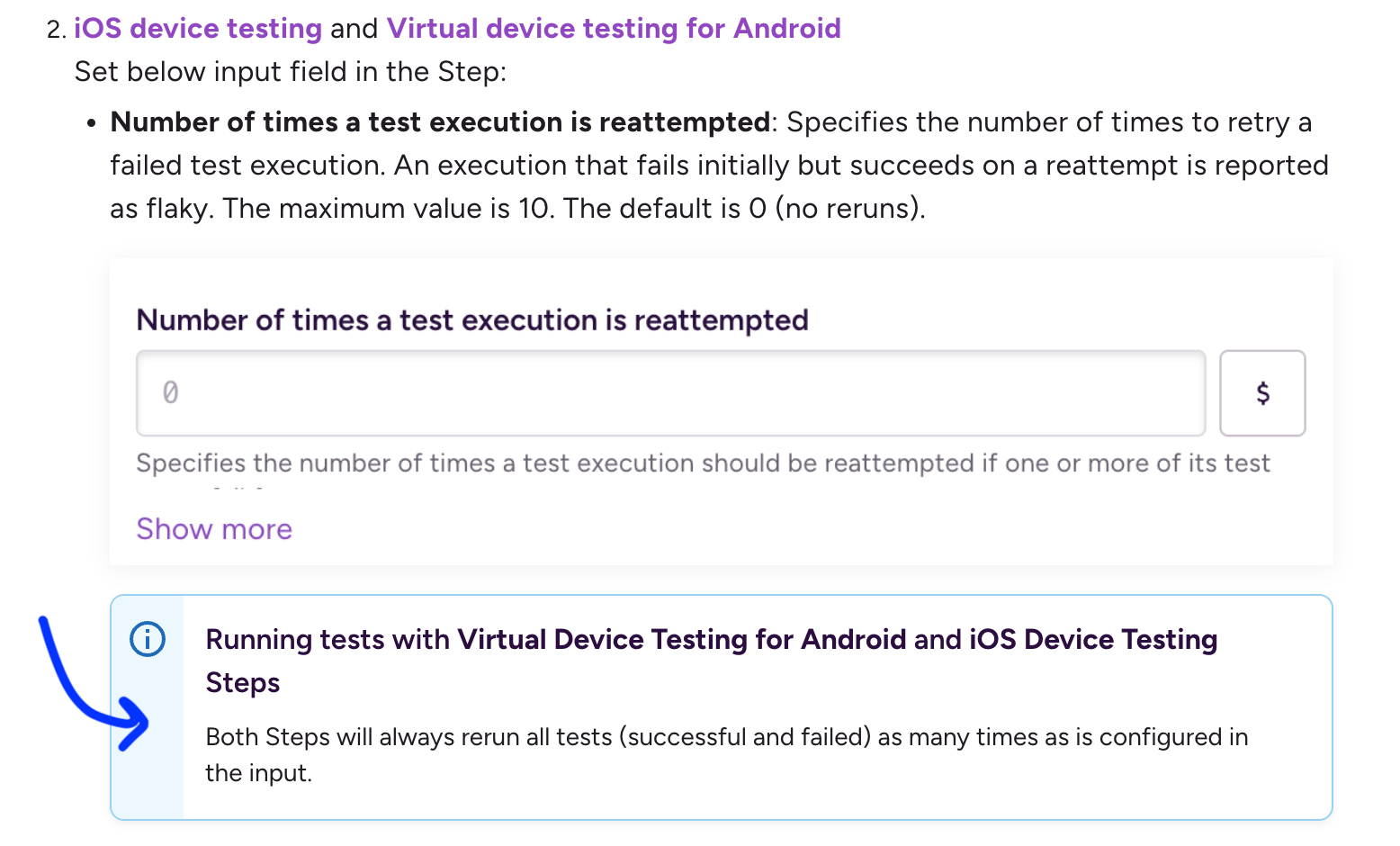
num_flaky_test_attempts: Specifies the number of times to retry a failed test execution. An execution that fails initially but succeeds on a reattempt is reported as flaky. The maximum value is 10. The default is 0 (no reruns).
You can very well do this via the UI for the step input below.

For the android-unit-test step:
This functionality is configured directly through the Gradle plugin. You can enable retries for failed tests within your project’s build.gradle file.