We’ve doubled the storage limits for code signing files in your Bitrise workspace:
- Provisioning profiles and certificates: 60 → 100 files
- Keystore files: 50 → 100 files
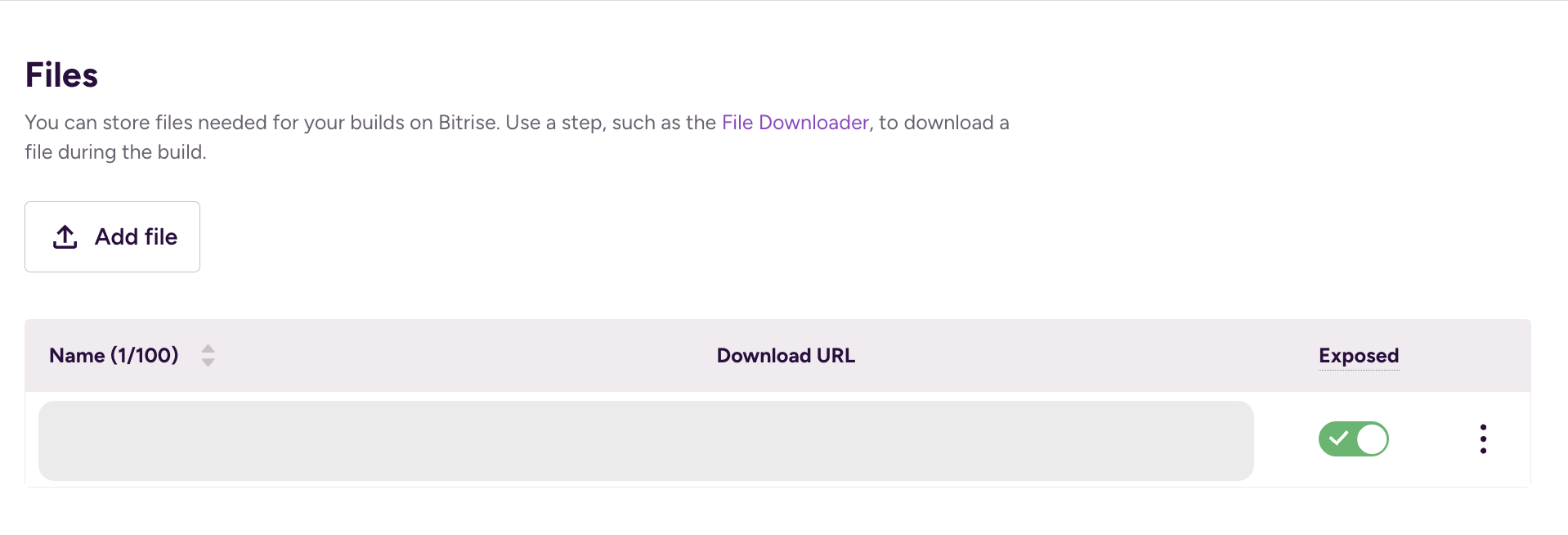
- Files: 50 → 100
Generic File Storage allows you to upload, delete, update, and list project files on Bitrise. You can access these files through the API or the Workflow Editor.
 Android:

 iOS
iOS

 Files
Files
 Why this matters
If you’re managing multiple app variants, white-label applications, or enterprise builds across different environments, you’ve probably hit our previous limits. This meant deleting old profiles to upload new ones, manually rotating files, or splitting projects across multiple workspaces—all of which introduce slowness and increase the risk of build failures due to missing or mismatched signing credentials.
 When you’ll need this
You’re likely to benefit from these increased limits if you:
- Build multiple app flavours (dev, staging, production) for both iOS and Android
- Manage white-label apps that each require their own signing identity
- Support multiple clients or brands from a single workspace
- Maintain separate signing configs for different release channels (TestFlight, App Store, internal distribution)
- Work on long-running projects where provisioning profiles accumulate over time
 How it works
The new limits are automatically available in your workspace—no migration or configuration needed. You can upload additional code signing files using the same process:
- Go to your “Project settings”
- Navigate to Code signing tab
- Upload your provisioning profiles, certificates, or keystore files as usual
FYI notes:
- Your existing files remain unchanged, and builds continue working with their current signing configurations.
- All existing environment variables continue to work the same way.